

Accessing Inspection Certificates Online
Inspection certificates online (ICO) can be accessed using:
- a personal computer (desktop or laptop)
- a mobile device (iOS or Android).
If you haven't previously enrolled in ICO, first follow the procedure for enrolling.
Using a personal computer
- Open an internet browser (Google Chrome, Internet Explorer, Microsoft Edge, or Safari) and go to https://ico.tmr.qld.gov.au.
- The ICO login page will open.
- If you have previously enrolled in ICO, enter your email address and password.
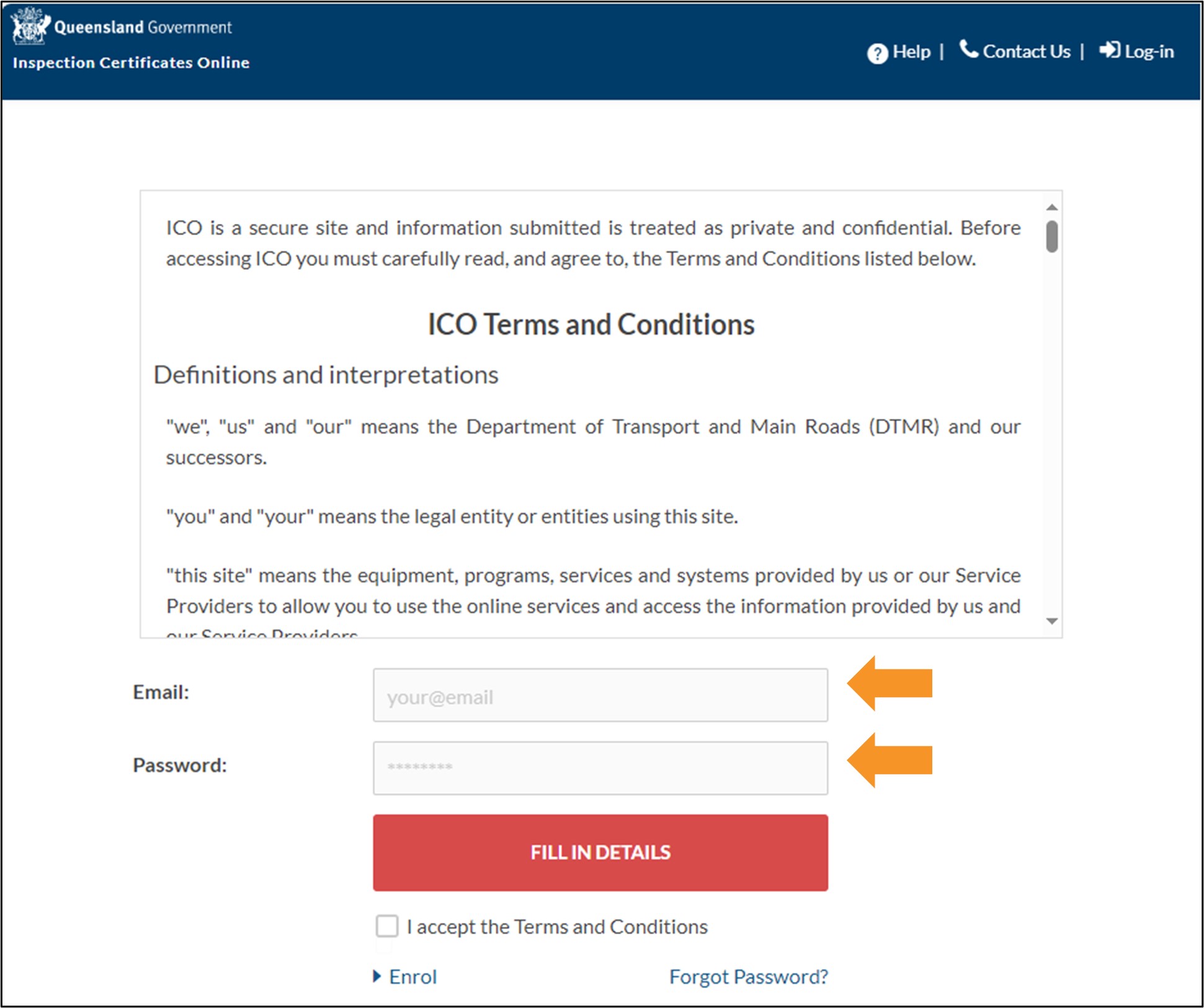
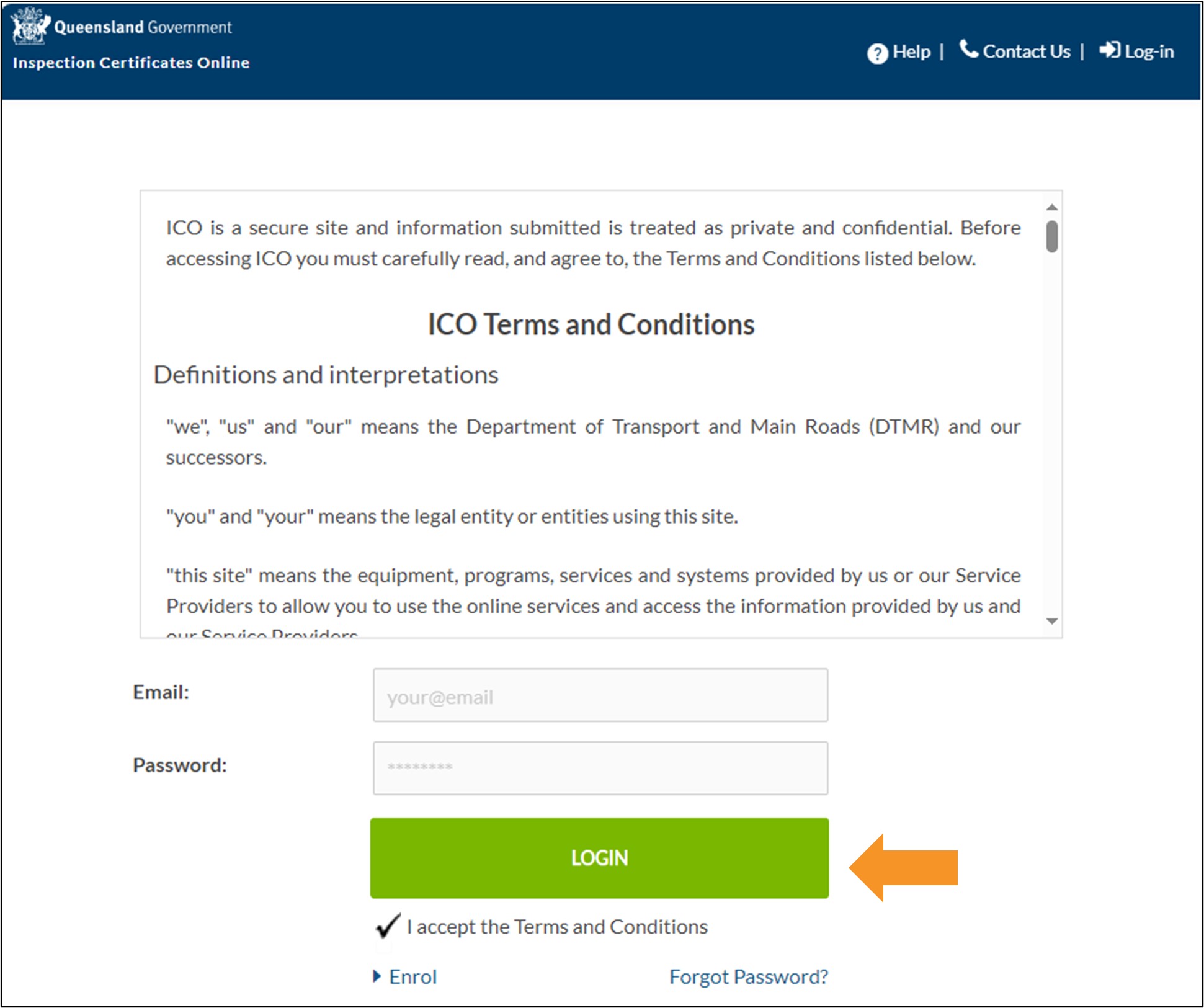
- Read the terms and conditions, and if you agree, click the checkbox to accept.
- Click the LOGIN button to go to the ICO Home screen.
Using an iOS (Apple) or Android device
- Open the App Store (Apple) or Google Play Store (Android) and search for 'QLD ICO'.
- Install and open the QLD ICO app and the ICO login page will appear.
- If you have previously enrolled in ICO, enter your email address and password.
- Last updated
- 23 August 2024
Contact us
If you experience any issues, contact the help desk between 8:30am and 4:30pm, Monday to Friday.
| Email: | [email protected] |
|---|---|
| Phone: | 07 3066 2482 |
| Post: |
ICO Administrator Department of Transport and Main Roads PO Box 673 FORTITUDE VALLEY QLD 4006 |